
This is an index of custom shortcodes created for the City Fertility Website. Use to add flavour and improve the user experience.
PDF Button
This shortcode will show a pdf circle button eg.
[pdf-button link="http://www.google.com"]To learn more, please read our ICSI Fact Sheet or visit our Patient Information Booklets page and download the In Vitro Fertilisation (IVF) & Intra-Cytoplasmic Sperm Injection (ICSI) PDF.[/pdf-button]
Call Outs
Half page
Parameters: accepts class=blue or grey also accepts bgcolor= any hex colour. Eg #003591
[callout_half class="blue" bgcolor="" color=""]Did you know that on average a healthy couple has – at best – 20 to 25% chance of conceiving a baby naturally?[/callout_half]
Quote – Blue on white
Paramaters: By default no paramaters displays the text royal blue. This can be overwritten with any hex colour eg: color=”#9DB5D7″
[quote]There are many factors that play a significant role in increasing the chance of conceiving a baby. These factors include: understanding the female menstrual cycle[/quote]
Full Page Call out
Paramaters: class=”blue or “grey”
[callout_full class="blue" bgcolor="" color=""]There are many factors that play a significant role in increasing the chance of conceiving a baby. These factors include: understanding the female menstrual cycle and your fertility window understanding the impact of your health, diet and lifestyle on your fertility Before trying to fall pregnant and thinking about fertility treatment options it is essential that you take all of the above into consideration. In this section, we aim to provide you with all the necessary information to assist you gain an understanding of the factors that are important when trying to conceive.[/callout_full]
Buttons
It’s a button
Paramaters: text=”button text”link=”url”
[button_small text="test" link="http://www.google.com"]
Button – Big
This large ‘banner style’ button will use all the available space.
Paramaters: heading=”the heading” text=”the text” link=”url”
[button_big heading="Find out more today" text="Our wonderful team are here to help..." link="http://www.google.com"]
Our wonderful team are here to help...Find out more today
Button – Image
Large squarish button with an image.
Paramaters: heading=”the heading” image=”url of the image” link=”url”
[button_image heading="Scientists" image="https://cityfertility.coconutlab.io/wp-content/uploads/2013/10/scientists-160.jpg" link="http://www.google.com"]
Scientists


Button – Script
Paramaters text=”button text” link=”url”
[button_script text="virtual Lab Tour " link="http://www.google.com"]
Misc
Horizontal Line
No Paramaters. Makes a line.
[line]
Menu Maker
This shortcode creates the sevice menu found on Level 2 pages. (T2 template)
Parameters: PageName: the name of the page you want to create the menu for.
[MenuMaker PageName="Information"]
Expander
This shortcode creates expandable content.
Paramaters: name=”Title of expander beside the plus sign. Wrap content in tags. eg:
[expand name="Example Expander"]
content
[/expand]
Heaps of content
lots and lots
3 whole lines of it.
Staff feed based on clinic
This will probably only be used by ICreate
[staff clinic="clinic id"]
Table
Creates a formatted table
Alignment By default the table center aligns content. To make left, wrap the content in a div with the class .left-align-table. IE <div class =”left-align-table”>[cf-table]…[/cf-table]</div> *this will need to b done in Text (html) view.
Line Breaks To insert line breaks in a table cell use ~~
[[cf-table]
head col 1, head col2, head col3
col 1~~extra line, col2, col3
col 1, col2, col3
[/cf-table]]
[cf-table]
head col 1, head col2, head col3
col 1~~extra line, col2, col3
col 1, col2, col3
[/cf-table]
Process Box
Process box. Note this shortcode needs to be wrapped in a particular div. ID <div class=”page-nav”>[process-box][/process-box]</div>
[process-box]
[process-item][/process-item]
[item-content]
content 1…
[/item-content]
[process-item][/process-item]
[item-content]
content 2…
[/item-content]
[/process-box]
heading 1
content 1…
heading 2
content 2…
heading 2
content 3…
heading 2
content 4…
heading 2
content 5…
Staff
This shortcode will show a feed of staff members of a particular type. eg.
[staff_type type="scientist"]
[staff clinic="3767" city_order="adelaide_goodwood_order"]
Virtual Tour
The shortcode that produces the virtual tour is big and ugly because of all the file URL’s but isn’t that bad. There are two versions. One for a 5 photo virtual tour, one for six photo virtual tour.
[VTourSix] [VTourFive]
It requires 3 pararamaters for each photo in the virtual tour. The large photo that opens in the lightbox. The pre cropped thumbnail, and a title to show in the lightbox caption. img1=” thumb1=” title1=” img2=” etc..
If you If you need to create or edit one of these, you need to first prepare the images. Size the large photos to no larger than 800px. Thumbnail dimensions are:
- Six photo Version: Thumb 1 and 2 (larger) 178x178px
- Six photo Version: Other thumbs (Smaller) 130x87px
- Five photo Version: Thumb 1 (larger) 317x211px
- Five photo Version: Other thumbs (smaller) 157x103px
*It may be easier to get ICreate to make or edit these.
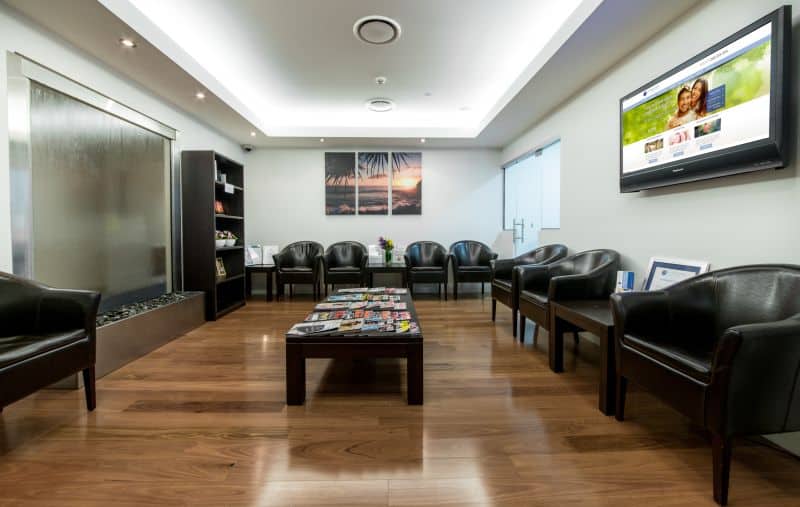
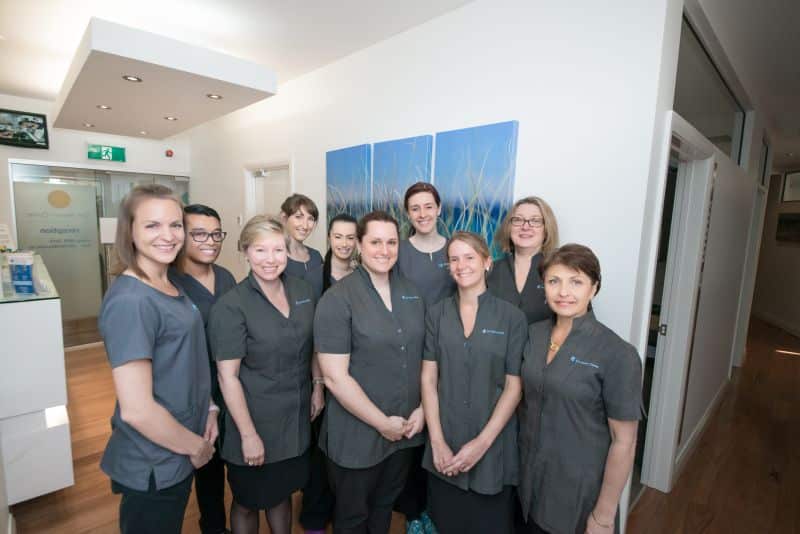
[VTourSix img1="https://cityfertility.coconutlab.io/wp-content/uploads/2014/01/bcity-1-reception.jpg" thumb1="https://cityfertility.coconutlab.io/wp-content/uploads/2014/01/bcity-t1-reception.jpg" title1="Brisbane City Reception" img2="https://cityfertility.coconutlab.io/wp-content/uploads/2014/01/bcity-2-lab.jpg" thumb2="https://cityfertility.coconutlab.io/wp-content/uploads/2014/01/bcity-t2-lab.jpg" title2="Brisbane City Lab" img3="https://cityfertility.coconutlab.io/wp-content/uploads/2014/01/bcity-3-procedure-room.jpg" thumb3="https://cityfertility.coconutlab.io/wp-content/uploads/2014/01/bcity-t3-procedure-room.jpg" title3="Brisbane City Procedure Room" img4="https://cityfertility.coconutlab.io/wp-content/uploads/2014/01/bcity-4-interview-room.jpg" thumb4="https://cityfertility.coconutlab.io/wp-content/uploads/2014/01/bcity-t4-interview-room.jpg" title4="Brisbane City Nurse Inteveriew Room" img5="https://cityfertility.coconutlab.io/wp-content/uploads/2014/01/bcity-5-reception.jpg" thumb5="https://cityfertility.coconutlab.io/wp-content/uploads/2014/01/bcity-t5-reception.jpg" title5="Brisbane City Reception Area" img6="https://cityfertility.coconutlab.io/wp-content/uploads/2014/01/bcity-6-the-team.jpg" thumb6="https://cityfertility.coconutlab.io/wp-content/uploads/2014/01/bcity-t6-the-team.jpg" title6="The Brisbane City Team"]
Virtual tour
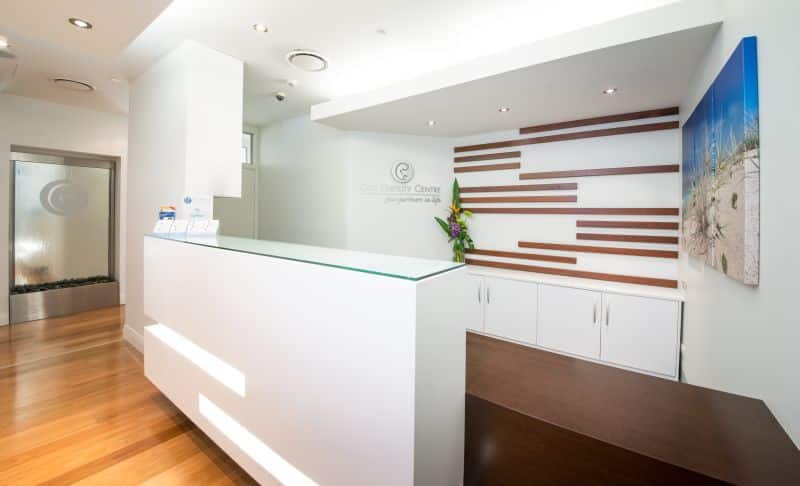
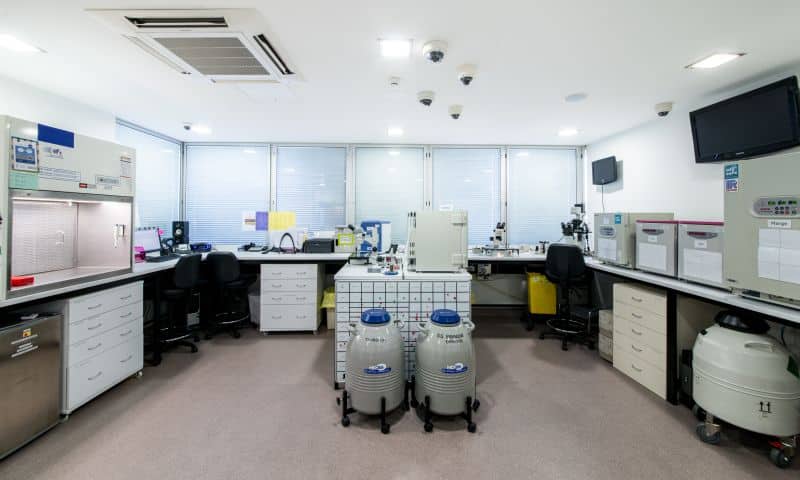
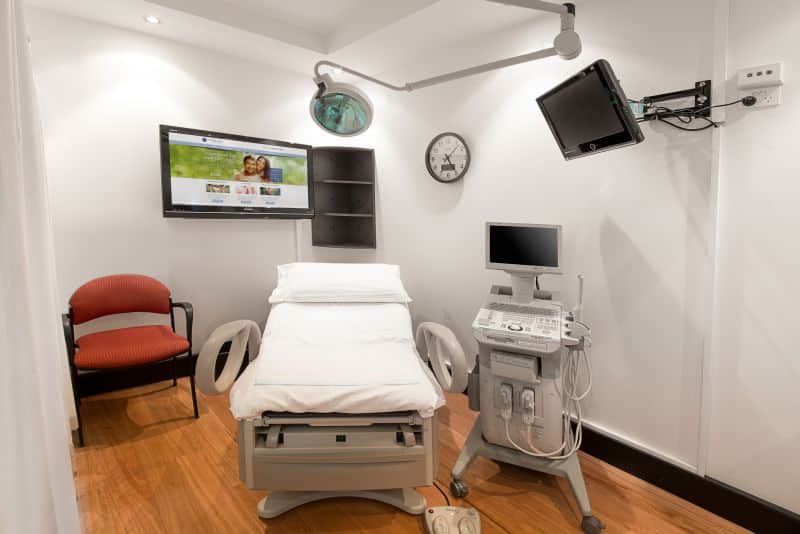
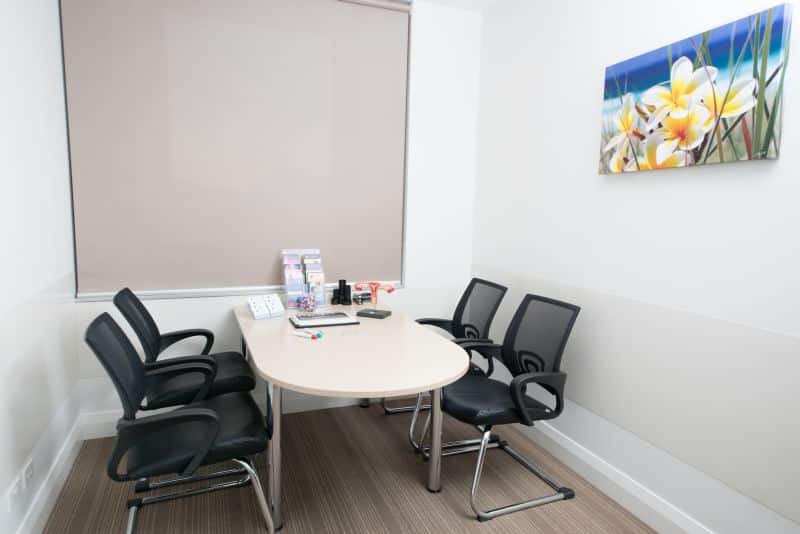
Half Video
Display 2 videos side by side.
[half-video alt="Dr Andrew Zuschmann - Fertility Specialist, Sydney" img="https://cityfertility.coconutlab.io/wp-content/uploads/2020/01/Not-Smiling-Zusch.png"]<iframe src=”https://www.youtube.com/embed/SoRsQT06Bqo” width=”560″ height=”315″ frameborder=”0″ allowfullscreen=”allowfullscreen”></iframe>[/half-video]
[half-video alt="What Happens During the First Visit to a Fertility Doctor?" img="https://cityfertility.coconutlab.io/wp-content/uploads/2017/02/Dr-Andrew-Zuschmann-The-Initial-Consultation.png"]<iframe src=”https://www.youtube.com/embed/unoucEsaOJ4?rel=0″ width=”560″ height=”315″ frameborder=”0″ allowfullscreen=”allowfullscreen”></iframe>[/half-video]


Video Carousel


[video-carousel]]
[[video-carousel-slide alt="Holly and Noo IVF Journey" img="https://cityfertility.coconutlab.io/wp-content/uploads/2015/09/holly-noo.jpg"]]
[[/video-carousel-slide]]
[[video-carousel-slide alt="Tyana and Joanne IVF Journey" img="https://cityfertility.coconutlab.io/wp-content/uploads/2015/09/tanya-joanne.jpg"]]
[[/video-carousel-slide]]
[[/video-carousel]